What is a Script? InDesign Magic!
If you’ve ever completed a monotonous task in Adobe InDesign, you’ve probably gritted your teeth and pushed through while wishing there was a faster, easier way. With scripts, you can make InDesign do things that are otherwise not included in the program. Many scripts are free, while some provide high-end premium features and must be purchased.
The following free scripts will help any book formatter prepare books for publishing. Included are scripts written by Kasayan, Thomas Silkjær, Rob Day, Adi Ravid, and others.
Please support each of these super-smart code writers who hardly get recognized for their amazing work!
Download my cultivated script pack for FREE here.
How to “Install” a Script
- Extract the downloaded .ZIP folder
- Place .JSX file(s) into this location: [Drive]\Adobe\Adobe InDesign 2026\Scripts\Scripts Panel\Samples\JavaScript
- Open the Scripts panel in InDesign
- Double-click a script to run
→Download my cultivated script pack for FREE here.←
INCLUDED SCRIPTS & ORIGINAL SOURCE:
Trista DPI InDesign to Photoshop
This script is an absolute workhorse. When prepping images for print, it works hand-in-hand with Photoshop to match the effective and actual PPI to your desired resolution. Additionally, it can save a new version as a PSD, TIF, or maintain the old file format.
SplitStory by Adi Ravid
Necessary for threading and unthreading text cleanly. Can unthread text via Paragraph Styles.
Optical Margin Alignment to All Stories by Rob Day
Simple but powerful. Run this script to apply and optical margin alignment across your whole document. Cannot apply to Parent Pages, however.
Fix Paragraph Pairs by Thomas Silkjær
An efficiency must-have. This script identifies patterns and applies Paragraph Styles as instructed. For example, if Chapter Title always follows Chapter Number, this script can apply the styles across the whole document.
File Rename and Relink by Kasayan
This is useful for documents containing a lot of “illegal” filenames. Can rename linked files chronologically with some customization. Will relink files automatically after renaming.
PerfectPrepText by Jongware and Peter Kahrel
When importing a Word manuscript into InDesign, this is the first script I run. This “catches” all applied italic, bold, underlined, etc styles, creates corresponding Character Styles, and applies to the correct span.
Convert RGB & Grayscale TIFFs & PSDs to CMYK*
This script has no interface but works hand-in-hand to convert color modes to CMYK.
*Written originally by Kasayan, modified by me
Additional Recommended Scripts (Not Free)
MasterMatic by ID-Extras
Automatically assign parent pages via Paragraph styles or Object Styles. Great for long documents that need to be reflowed constantly.
ExtractPages by ID-Extras
A must-have for anyone who is exporting multiple files formats (especially PDFs!) of the same InDesign document. Additionally, this script can “break” one large InDesign document into smaller pieces via Paragraph Style tags.
Want More InDesign Tips for Book Formatting?
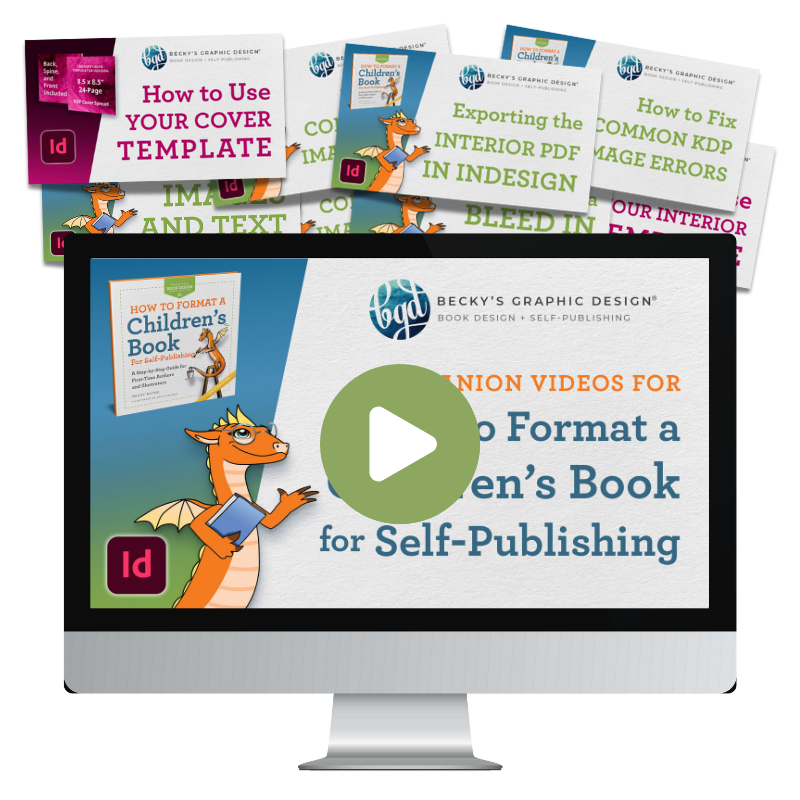
If these scripts save you time, you’ll love the tutorials on our YouTube channel. We regularly share solutions to common formatting challenges, InDesign workflows, and self-publishing tips for authors and book designers.
Subscribe to our YouTube channel for step-by-step demonstrations, download our free Script Pack, and join our email list for practical publishing advice delivered straight to your inbox.
Not interested in learning InDesign yourself? Our team at Becky’s Graphic Design helps authors create professionally formatted print and eBook files ready for publication.
Subscribe. Learn. Publish with confidence.