eBook Resources
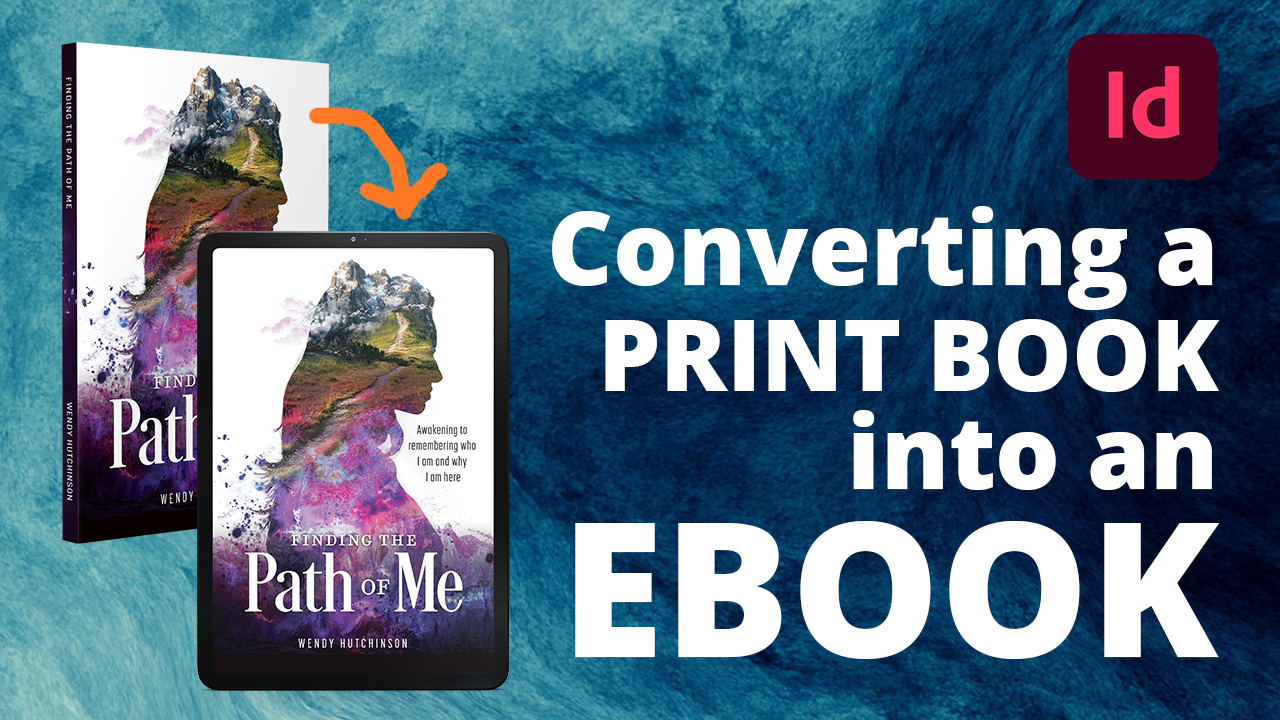
Today’s readers expect choices. Some prefer the feel of a printed book, while others read exclusively on a Kindle, tablet, phone, or eReader. That’s why we encourage every author to publish both a print edition and an eBook whenever possible.
Unlike a printed book, an eBook isn’t built with fixed pages. Instead, it is a reflowable digital publication that adapts to the reader’s device and preferences. Readers can change the font, font size, line spacing, margins, screen orientation, and even switch between light and dark mode. Your book must remain attractive, readable, and fully functional regardless of those settings.
A helpful way to think about an eBook is as a carefully designed website. The content flows dynamically from one screen to the next, rather than remaining locked to a printed page. That means every heading, image, hyperlink, footnote, table, and chapter break must be coded correctly to display properly across a wide variety of devices and reading apps.
Every eBook we produce is built with these challenges in mind. We create clean, standards-compliant EPUB files, thoroughly test them on multiple devices, and validate them before publication. Our goal is to provide your readers with a professional reading experience that reflects the quality of your printed book.
Children’s Book eBooks
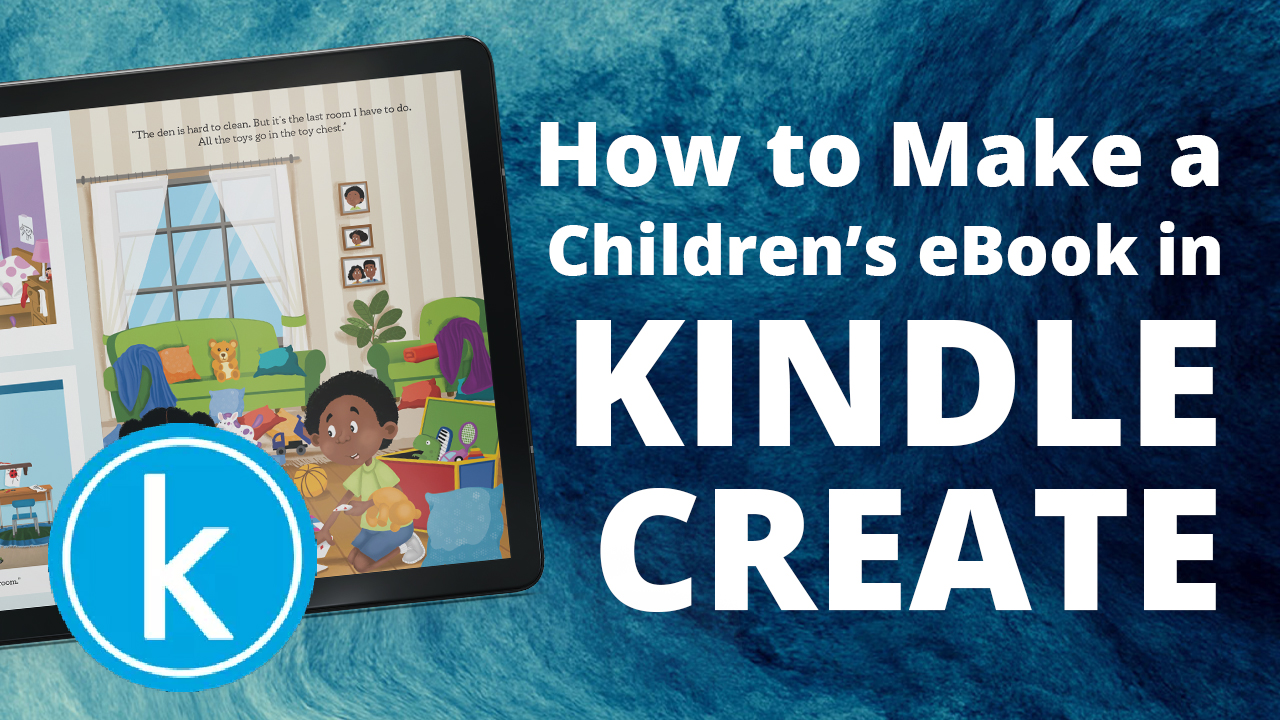
Illustrated children’s books require a different approach than standard reflowable eBooks. Because picture books rely heavily on the relationship between text and illustrations, they are typically produced as fixed-layout eBooks that preserve each page exactly as it appears in the printed edition.
For books published through Amazon KDP, Kindle Create offers a simple solution. By importing a print-ready PDF, the software converts your book into a Kindle-compatible fixed-layout file while maintaining your original page design. This makes it an excellent option for most children’s picture books, activity books, and other highly illustrated publications.
Resources
The following resources are the same professional tools we use during our eBook production process to validate files, identify potential issues, and ensure the best possible reading experience across today’s eReading devices.