Photos, Scans, Maps, and Illustrations
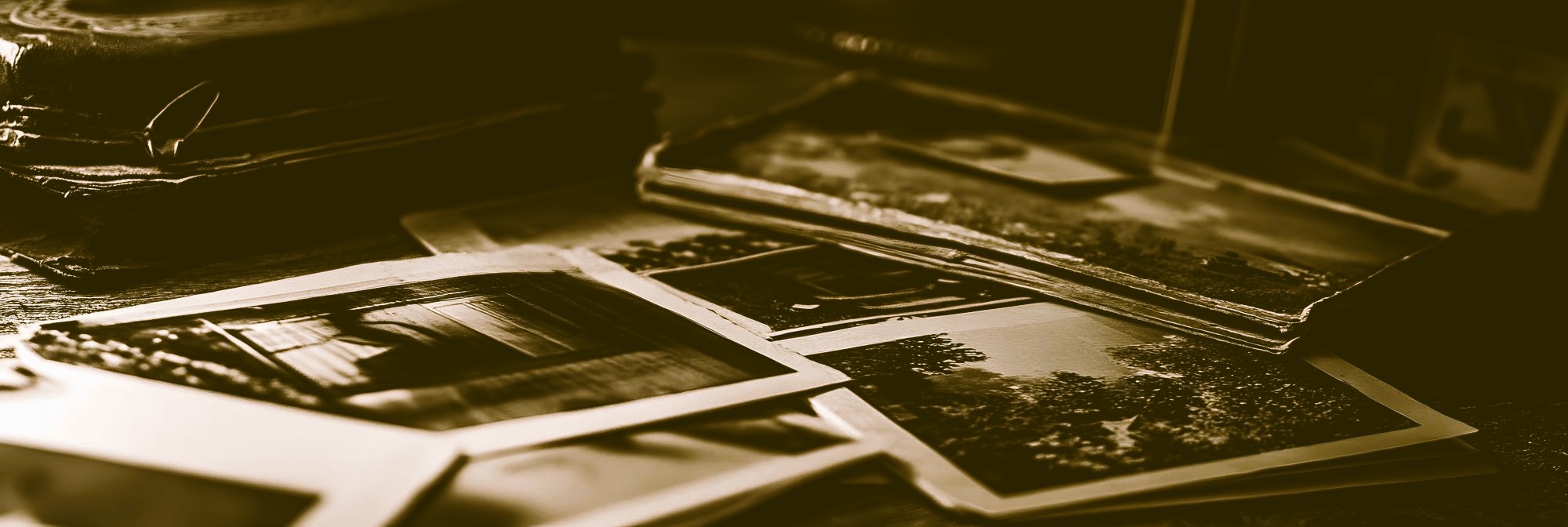
If you’re preparing a memoir, it’s very likely that you have a collection of old imagery to include in the book. How do you best prepare the images for your memoir? There are quite a few technical requirements to ensure that photos print with a crisp resolution, accurate color, and within proper copyright. Let’s work through it!

Scanning Physical Photos
Collections of old printed photos will need to be scanned into a digital format. To do so, you’ll need access to an at-home scanner, such as the Epson Perfection V39 II Color Photo and Document Flatbed Scanner, or utilize a local scanning service at FedEx, Staples, your library, etc.
If using an at-home scanner, these are the standards to follow:
- 600+ PPI (resolution)
- TIF file format recommended
- One photo per scan
- Ensure that imagery is not skewed or sideways
- Images should be cropped of extraneous whitespace
Do NOT:
- Attempt to take a photo of a photo with your smartphone
- Take scans through a glass picture frame
- Compile images via Microsoft Word
Adding Old Newspaper Clippings to Your Memoir
Newspaper clippings and magazine articles deserve special attention. Because they were originally printed using tiny halftone dots, scanning them often creates a distracting moiré pattern—a wavy or textured effect that can make the image appear blurry or distorted in print. Whenever possible, we recommend locating an archival copy of the original article from the newspaper, library, historical society, or publisher. These digital originals often produce far cleaner results than even the best scan of an aging clipping.
Image Rights Checklist for Your Book
To ensure your memoir or other non-fiction book can be published without delays or legal concerns, please review the following before submitting images:
✔ You MAY use images that are:
- Your own original photos or artwork (unless famous brands are captured in the image)
- Purchased through a licensed stock image provider (e.g., Shutterstock, Adobe Stock, Getty Images)
- Clearly marked for commercial use with proper documentation
- In the public domain or labeled CC0 (no rights reserved)
⚠️ Use with CAUTION:
- Creative Commons images that require attribution
- Images labeled for “non-commercial use” (these are NOT allowed in books for sale)
- Images that require specific credit or restrictions
If using these, please provide full license details and attribution requirements. For more information read our article on Public Domain, Creative Commons, and Royalty Free images.
❌ Do NOT use:
- Images found through Google or social media
- Professional sports images (such as NFL or NBA games, players, or team photography) without verified licensing
- Screenshots from broadcasts or websites
- Logos or branded materials without permission
- Any image you are unsure about
Important Notes
- Books are considered commercial products, even if used for marketing or education
- Image licensing must cover print and digital distribution
- Low-resolution or unclear images may need to be replaced
✔ Before Submission
Please confirm:
- All images are high-resolution (300 dpi for print)
- Files are final and properly named
- You have the legal right to use each image
Need Help?
If you’re unsure about any image for your memoir, please ask your designer before submitting. They will be happy to guide you toward safe and professional options.
We also created a free downloadable checklist for you called “The Essential Guide to Organizing, Scanning, and Naming Photos for a Beautiful Book.” It will help you step-by-step as you begin the process or need help finishing! Download it today with the form below!
Best Practices for Naming Image Files for Your Memoir
After scanning your photos, rename each image so it clearly identifies where it belongs in your manuscript. A consistent naming system will save time and prevent confusion during the book design process.
For example:
- Chapter01_FamilyFarm_001.jpg
- Chapter03_Wedding_002.jpg
- Chapter05_ArmyPhoto_001.jpg
Avoid spaces, punctuation, and special characters in file names. Stick to letters, numbers, hyphens (-), and underscores (_). Characters such as / \ ? % * : | ” < > # & $ ! ‘ + @ can cause problems when files are transferred, uploaded, or linked within publishing software.
A clear, organized naming system helps your designer quickly match each image to the correct location in your book and reduces the chance of errors.
Characters to Absolutely Avoid:
- Slashes & Backslashes: / \
- Angle Brackets: < >
- Question Mark: ?
- Asterisk: *
- Pipe/Vertical Bar: |
- Quotation Marks: ” ’ ‘
- Colon: :
Characters Best Avoided:
- Spaces: Use hyphens (-) or underscores (_) instead.
- Symbols: # (pound), % (percent), & (ampersand), $ (dollar), + (plus), @ (at), ! (exclamation), ~ (tilde), ^ (caret).
- Non-Latin/Diacritical Characters: These can cause 404 errors.
- Multiple Periods: Only use one period to separate the filename and extension (e.g., image.jpg, not image.final.v2.jpg).
Best Practices:
- Use lowercase letters and numbers.
- Use hyphens to separate words.
- Keep filenames short and descriptive.
- Label the beginning of each image with a number to indicate in-book chronology (001, 002, 003, etc.)
- Make final decisions on photos before submitting them to the designer; do not offer more than one placement option.
Improper file names:
frogger.2026.05.13.jpg
frogger+$2026.jpg
frógger.jpg
frogger/toader‘s.jpg
23423555_348763255%23.jpg
Proper file names:
Chapter01_Frogger-Crossing-Road_001.jpg
Chapter03_Frogger-Meets-Toader_002.png
Chapter05_Map-of-Interstate_015.jpg
Chapter17_Diagram-of-Cars_021.tif
Chapter18_Toaders-Idea_03.jpg
Sharing Images for Your Memoir with Your Formatter
Utilize a Cloud-based Service:
Make a dedicated folder for image sharing in
- Dropbox
- Google Drive (free)
- Google Photos (free)
Do NOT:
- Include unnecessary or extraneous imagery
- Place photos directly into a text processor like Microsoft Word
- Store photos in an outdated storage device, such as a CD
Indicating Image Placement in Your Memoir
Rather than inserting photos directly into your manuscript, we recommend using image placement tags. This method keeps your document cleaner, reduces file size, and helps us place each image accurately during the book design process.
Once your images have been scanned, renamed, and organized, you’ll add a simple image placement tag wherever you would like a photo to appear in the manuscript. The tag tells us exactly which image belongs in that location and provides the caption that should accompany it.
To make this process work, choose a unique character or text string that does not appear anywhere else in your manuscript. We often recommend the @ symbol. If your manuscript contains email addresses or other uses of @, choose a different marker such as %, $, &, or a text string like <img>.
The important thing is consistency. Whatever marker you choose should be used only for image placement tags throughout the manuscript. This allows our formatting tools to quickly identify every image location and place your photos accurately during the design process.
Example of Image Placement Tags in Your Manuscript
The Johnson family moved to Tennessee in 1968 and settled on a small farm outside Nashville. My father often talked about the challenges of building a new life in a new community.
@Chapter03_FamilyFarm_01.jpg@
The Johnson family farm shortly after we moved to Tennessee in 1968, is the caption.
The farm quickly became the center of our family life. We spent summers working in the garden and caring for livestock.
@Chapter03_Barn_01.jpg@ @Chapter03_Garden_01.jpg@
The barn and family garden where we spent much of our childhood is the caption for both images. Images can indeed occur next to each other in this fashion.
These experiences shaped many of the values that stayed with us throughout our lives.
Ready to Turn Your Memoir Into a Professional Book?
A memoir is more than words on a page—it’s a legacy. The photographs, documents, and personal mementos you include help tell your story in a way that text alone cannot.
Over the years, we’ve helped memoir authors organize hundreds of images, improve photo quality, design beautiful page layouts, and prepare books for family keepsakes, local history projects, and worldwide distribution through print-on-demand publishing.
If you’re feeling overwhelmed by image preparation, interior formatting, cover design, or the self-publishing process, you don’t have to figure it out alone.
Schedule a Book Design Readiness Review, and let’s discuss your memoir, your goals, and the best way to preserve your story for future generations.
Your story deserves to be presented with the same care that went into living it.